
2.0Stash is now Wedge
Wedge your files into the edge of your screen.
Start dragging a file and your shelves slide out. Drop it, keep working, and drag it into any app when you need it. Your files stay where they are.
- v1.0.4
- Free and open source
- Windows 10 and 11
- 5 MB
Grab a file and start dragging
How it works
One move to put a file away, one to get it back
No window to find, no folder to open. The shelves are already at the edge.
- 01
Start dragging
From File Explorer, the desktop or a browser. The moment a drag starts, colored shelf tabs slide out of the screen edge.
- 02
Drop on a shelf
Work, Personal, the Pocket, a shared folder: drop on the tab you want and the tabs tuck back in.
- 03
Drag it out
Click a tab to pull the shelf out like a drawer, then drag a card into a mail, a chat or any app.
Features
A shelf that keeps up with you
Wedge only remembers where your files are. Nothing is moved, copied or uploaded unless you ask.
Collect from anywhere
- Tabs that slide out the moment you drag a file
- A Pocket that gathers files from different folders, then lets you drag them all out at once
- Automatic shelves for new downloads and screenshots
- Right-click → Add to Wedge, Ctrl+V, or send from your phone with a QR code
Share
- Turn a Google Drive, OneDrive or Dropbox folder into a shelf
- What a friend, or your other PC, puts there shows up on your shelf
Find and use
- Real previews on every card; Space for Quick Look
- Search inside PDF, Word, Excel and PowerPoint files
- ZIP, convert and shrink images, open all, drag a whole shelf as one ZIP
- Notes, tags, reminders and shelves that clear themselves
Quiet by design
- No CPU use while it waits at the edge
- Steps aside for full-screen games, videos and presentations
- Desktop widgets, dark and light themes, Turkish and English
- No account, no ads, no telemetry
Screens
The real app, as it looks today
Shelf tabs on the edge, a drawer pulled out, the Pocket and settings.
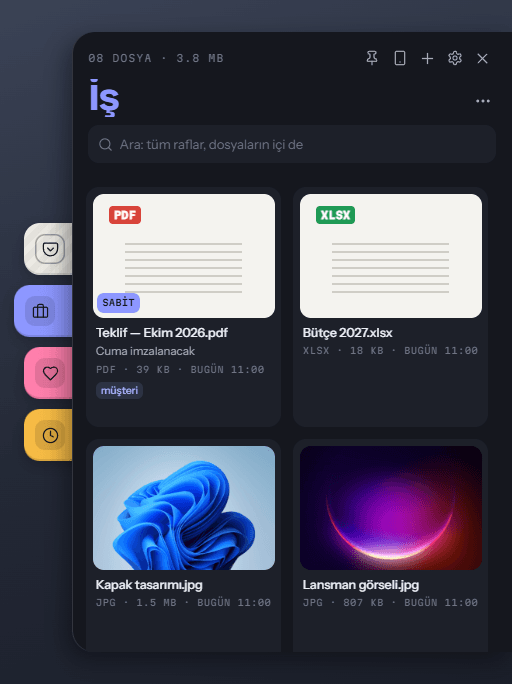
A drawer, dark theme 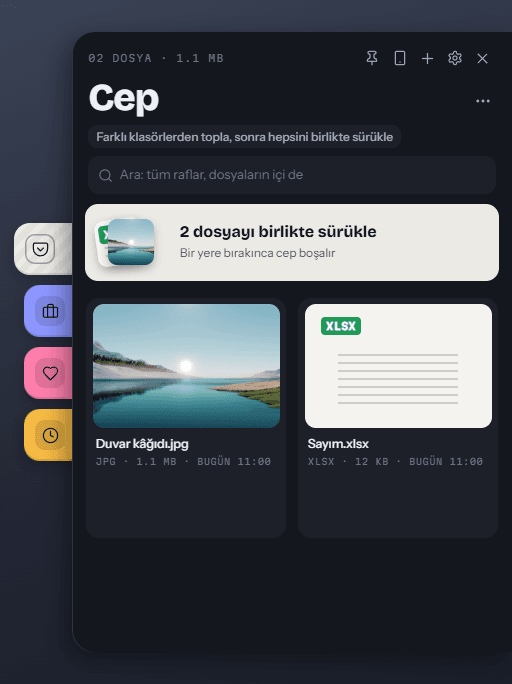
The Pocket 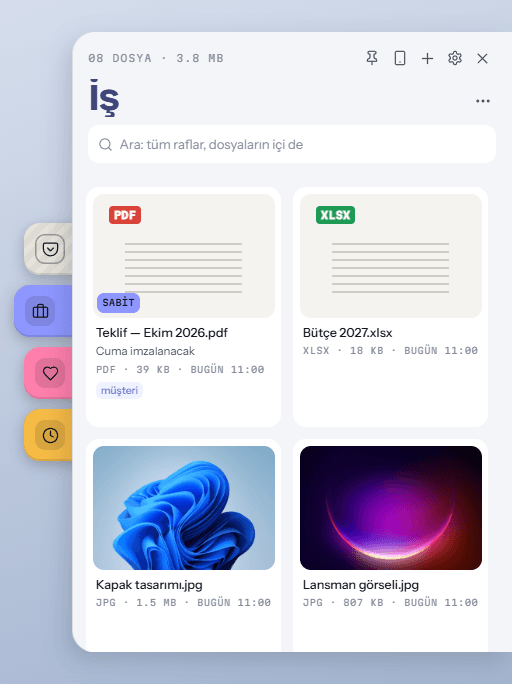
A drawer, light theme 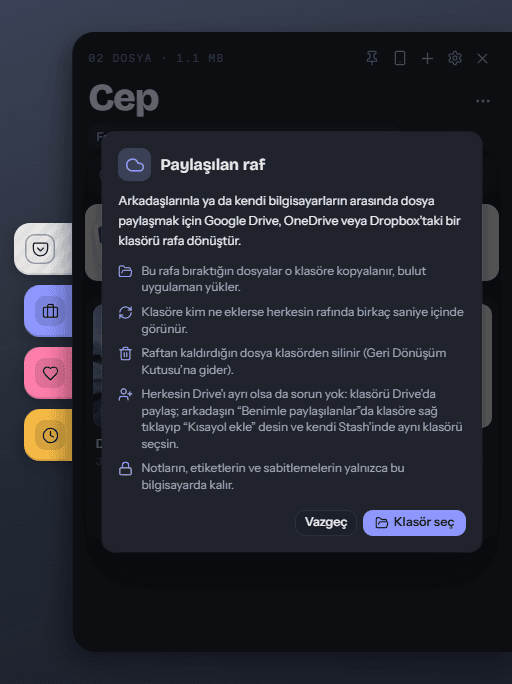
Shared shelves 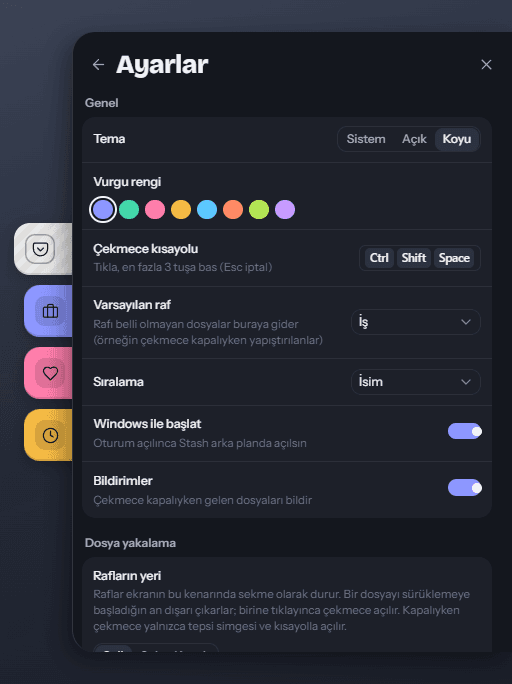
Settings

Download
Get Wedge for Windows
Free and open source. A 5 MB installer that uses the WebView2 engine built into Windows, and updates itself, signature-checked.
- Windows 10 and 11, 64-bit
- No administrator rights
- No account
Using Stash? It updates to Wedge by itself and keeps every shelf and setting.
Coming to the Microsoft Store.
FAQ
Straight answers
Short version: your files stay put, nothing leaves your PC, and it’s open source.
No. It remembers where a file is; the file stays where it was. Removing it from a shelf never deletes it from disk. Only shared shelves copy files, into the shared folder you picked.